Welcome to Inventory Transaction
Learn how to record and monitor stock movements with ease. This module covers creating, reviewing, and maintaining inventory transactions to keep stock records accurate and up to date.
Inventory Transaction
Manage stock movements efficiently by recording inventory changes, tracking quantities, and keeping transaction details organized for accurate stock monitoring.
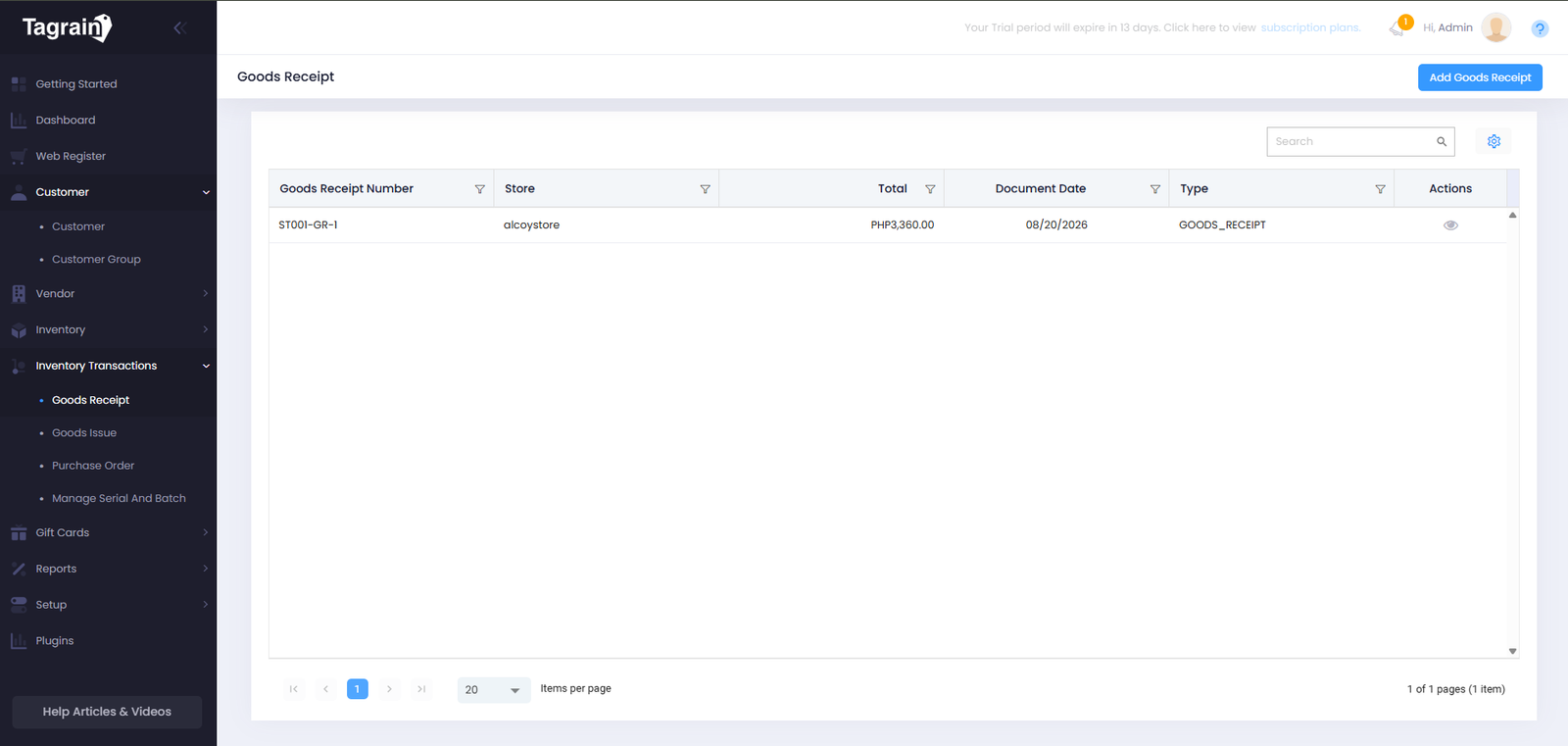
Product List
View Products registered in the system.
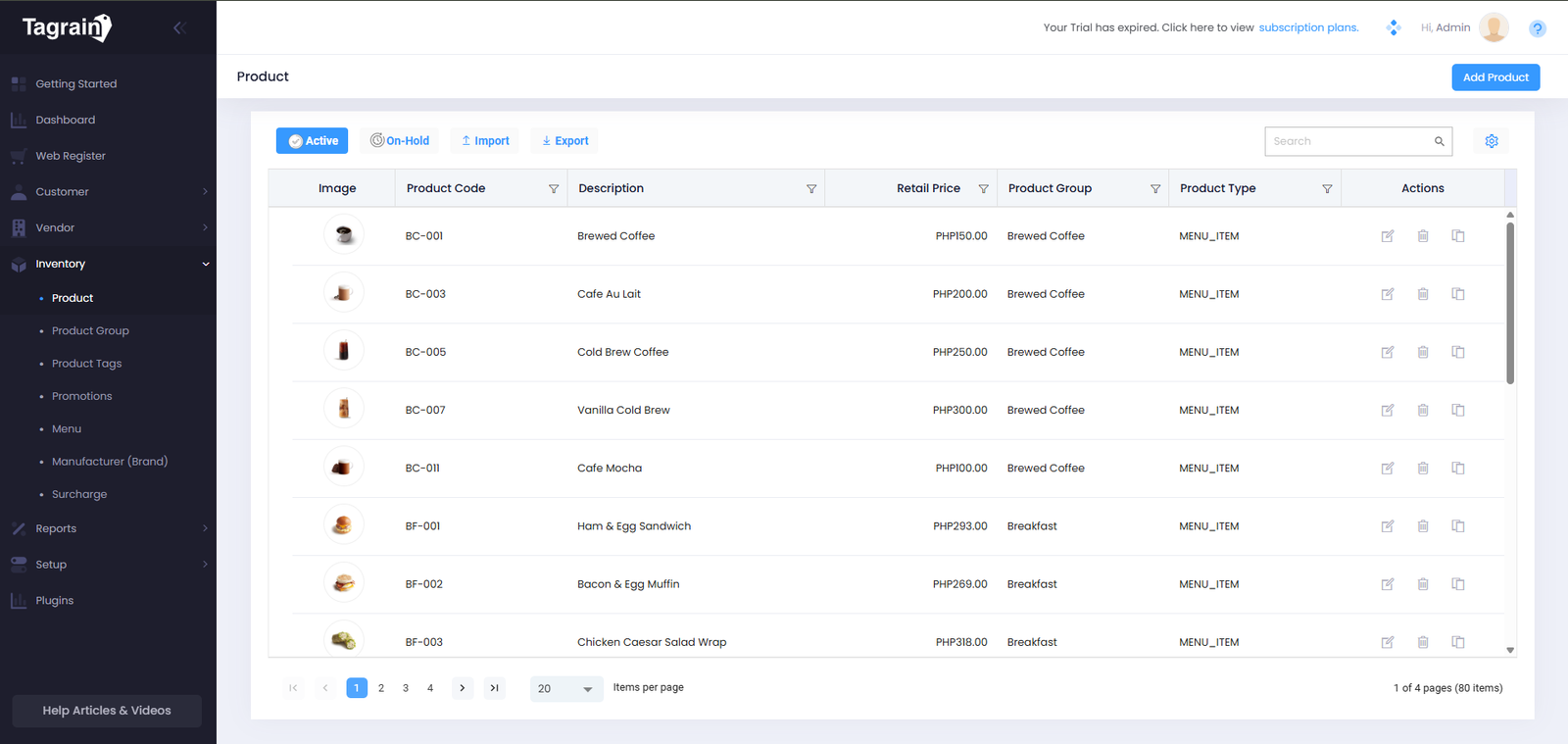
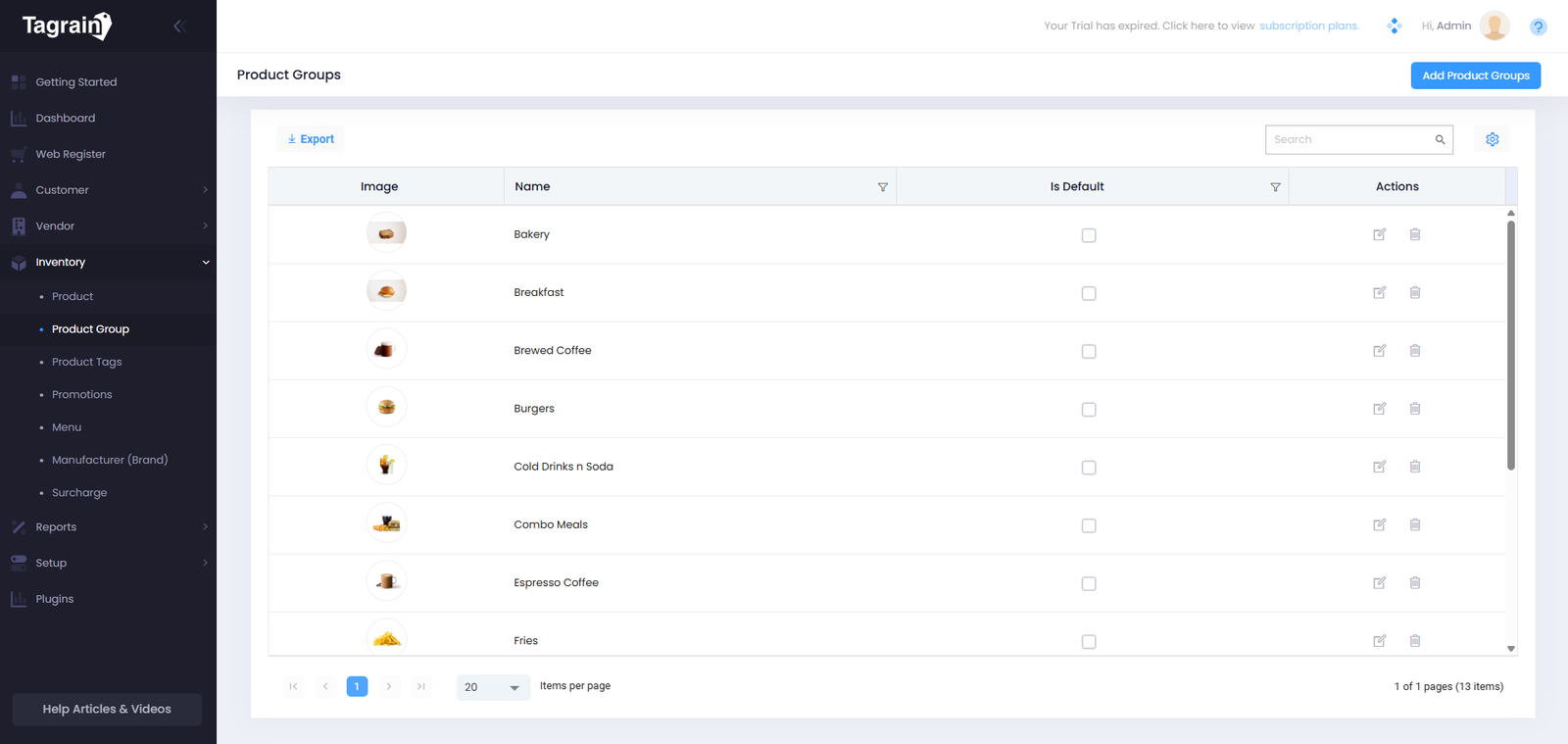
Product Group
Organize Products into groups for easier management and better organization.
Add Product
Add and save Product details in Tagrain POS for easy access and management.
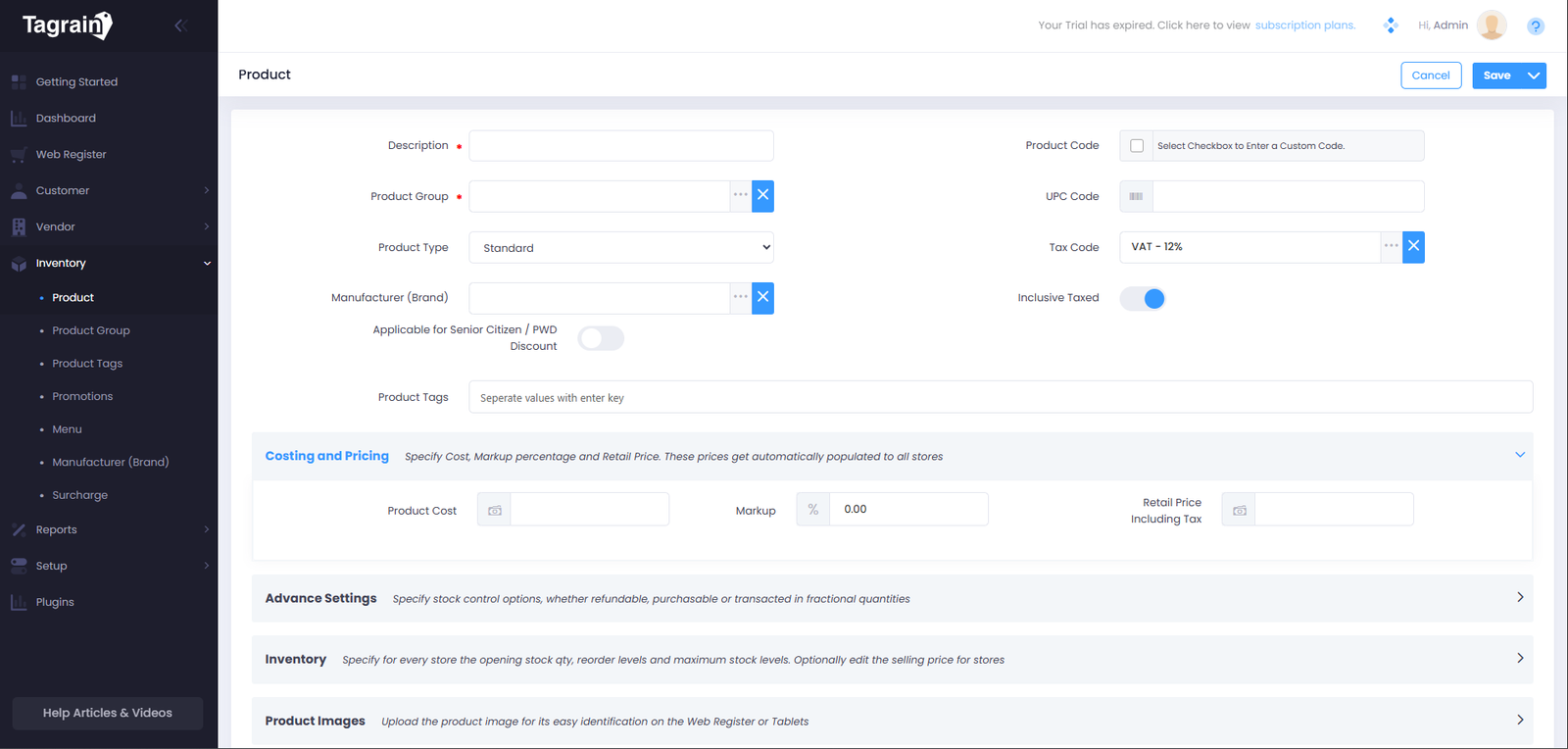
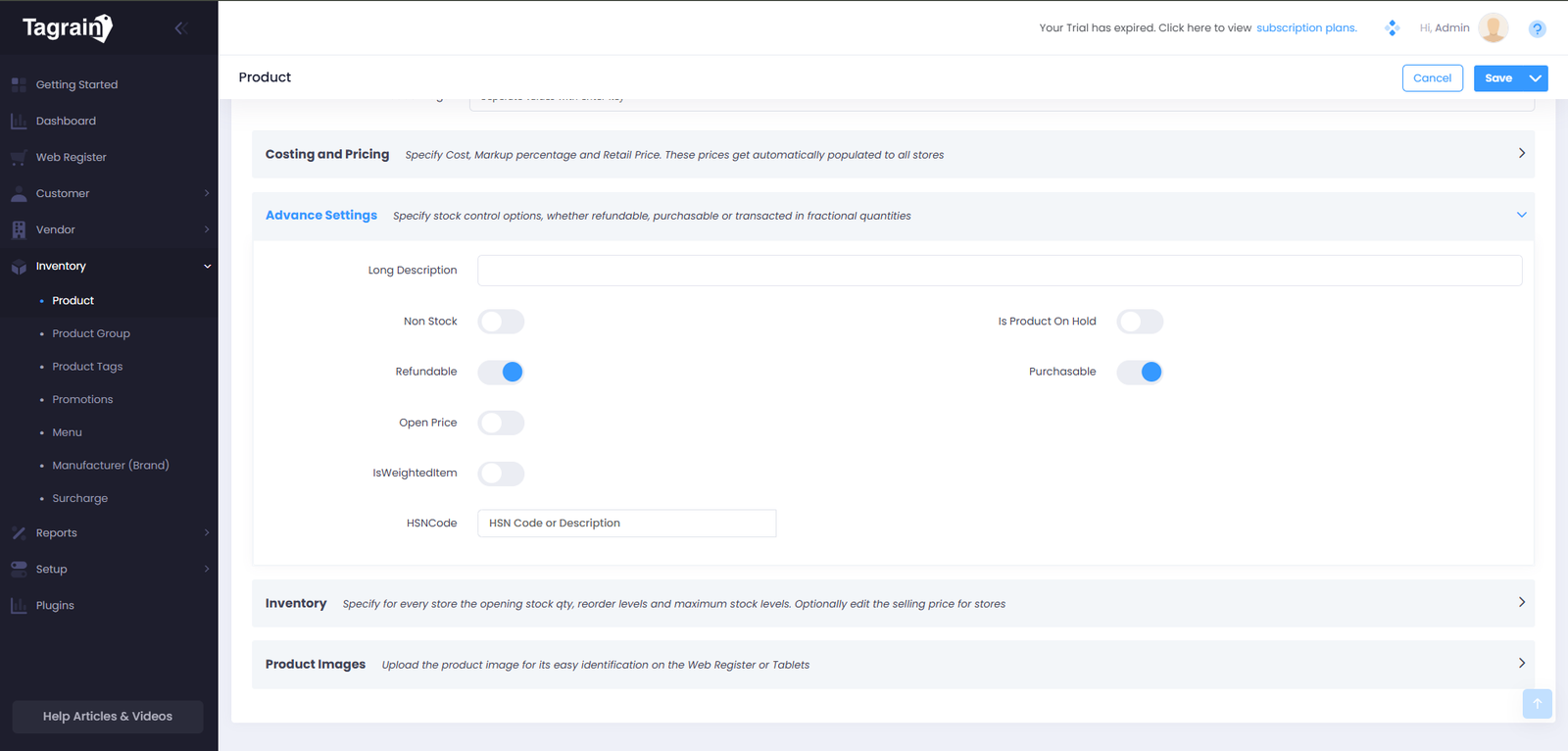
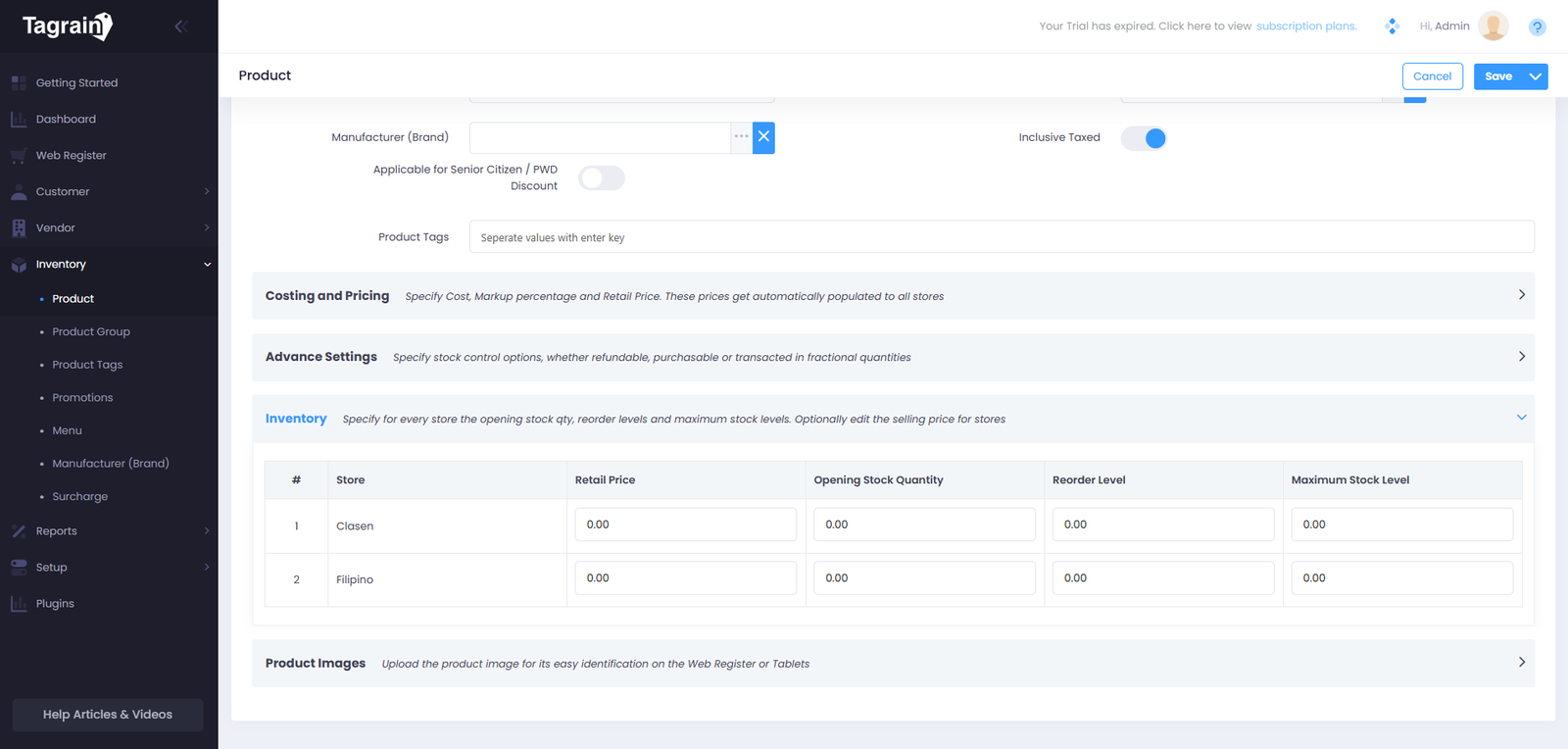
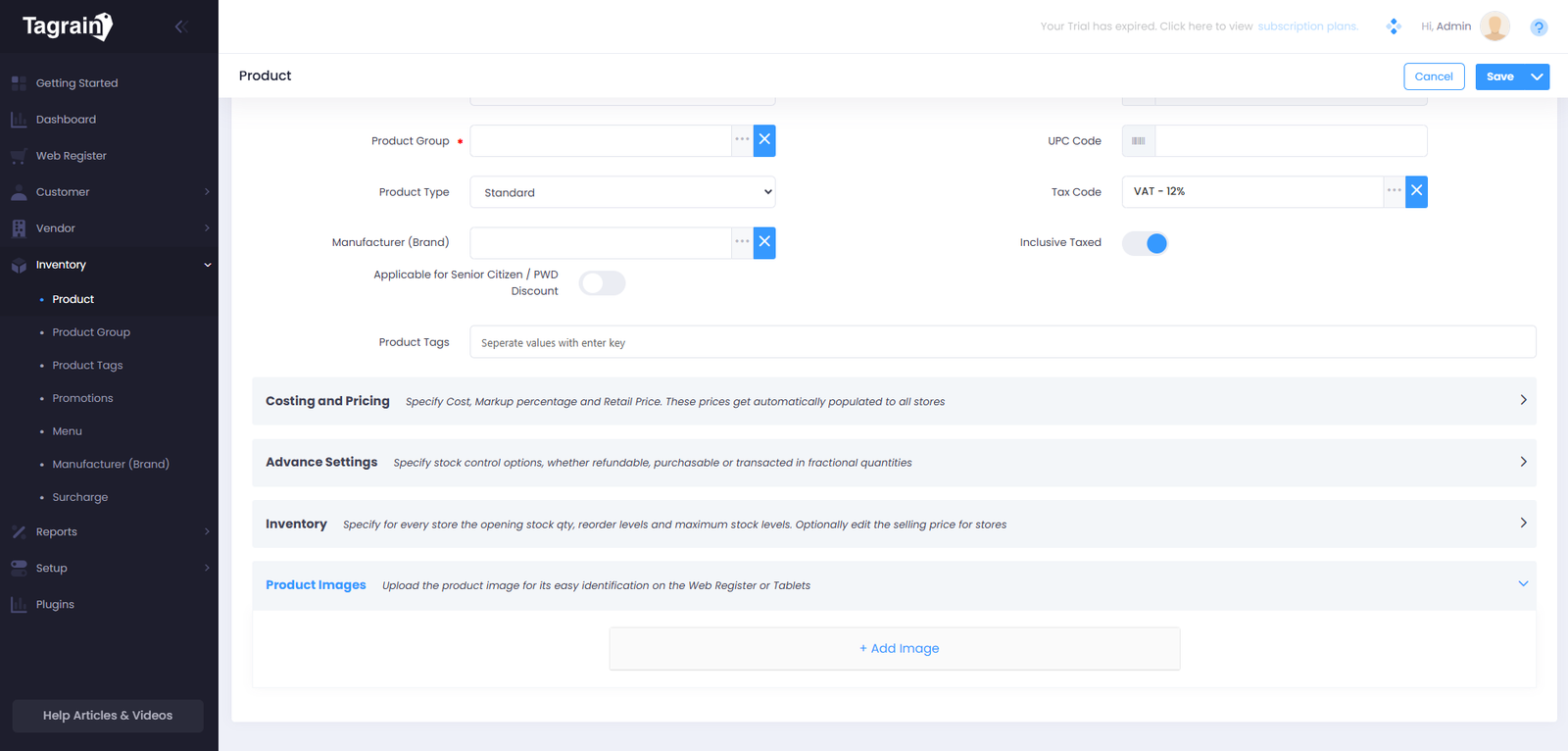
- From the Product List, click Add Product.
- Enter the required Product details. You may skip optional fields.
- Toggle the SC and PWD Discount if the Item is subject to be discounted. You can choose 5% or 20% Discount after turning On the Toggle Button.
- Add the Cost and Price of the Item.
- In Advanced Option, turn on the applicable toggle buttons
- Add the stocks in Invenotry.
- Add image in Product Images.
- Click Save to add the Product to Tagrain POS.
Add Product Group
Add and save Product group details for easy access and management.
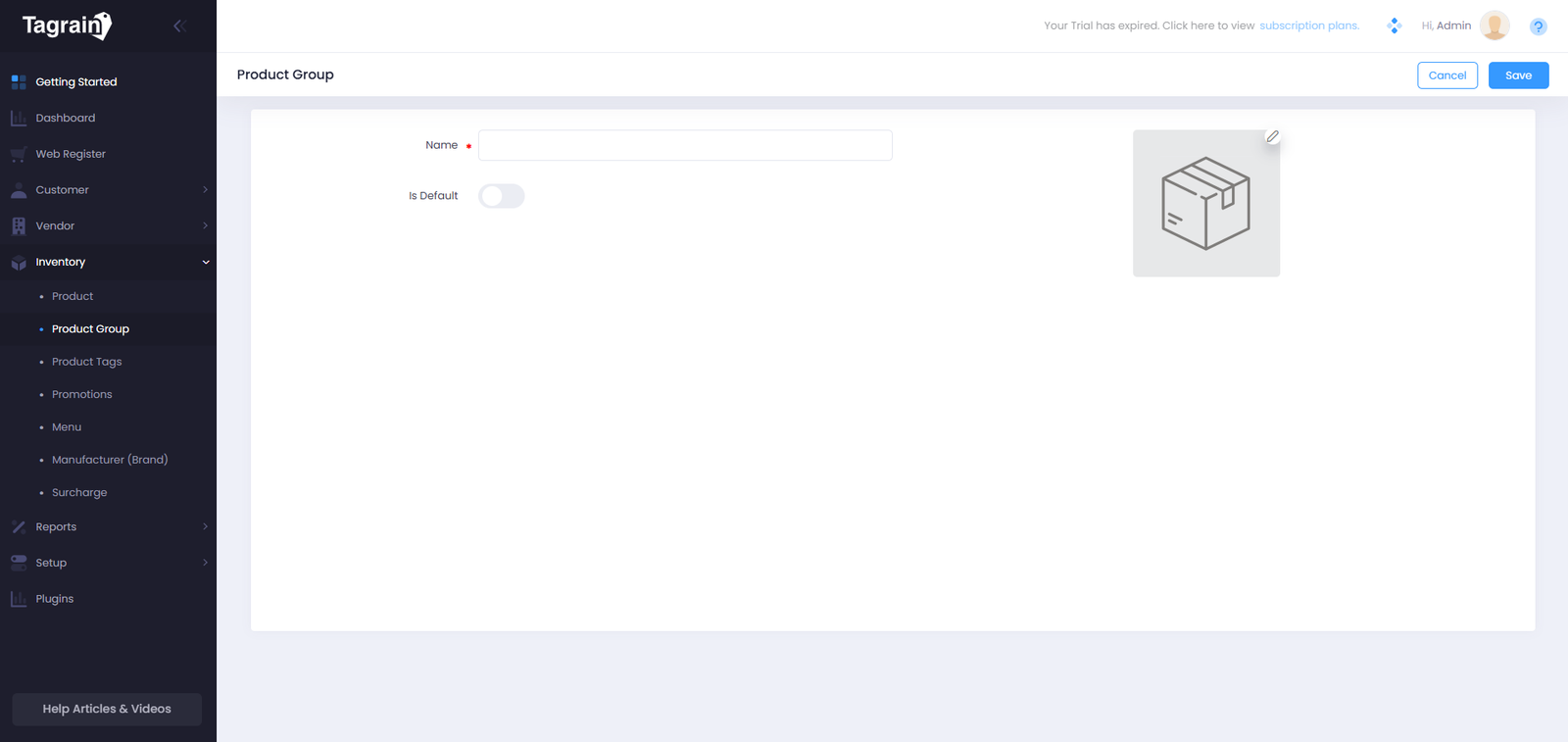
- From the Product Group, click Add Product Group.
- Enter the Name of the Product Group.
- Toggle Is Default if you want to make the registered Product Group the default.
- Add an image in the Box Icon.
- Click Save to add the Product Group to Tagrain POS.
Ready for the next module?
Once you're comfortable with Inventory Management, continue to the Inventory Transaction.