Welcome to Tagrain Customer Management
This module introduces Customer Management in Tagrain POS. Explore how to add, update, view, and manage customer information for a smoother sales experience.
Customer
In Tagrain POS, Customer Management helps you easily create, view, and maintain customer profiles. Keep customer information organized and accessible to support a better sales experience.
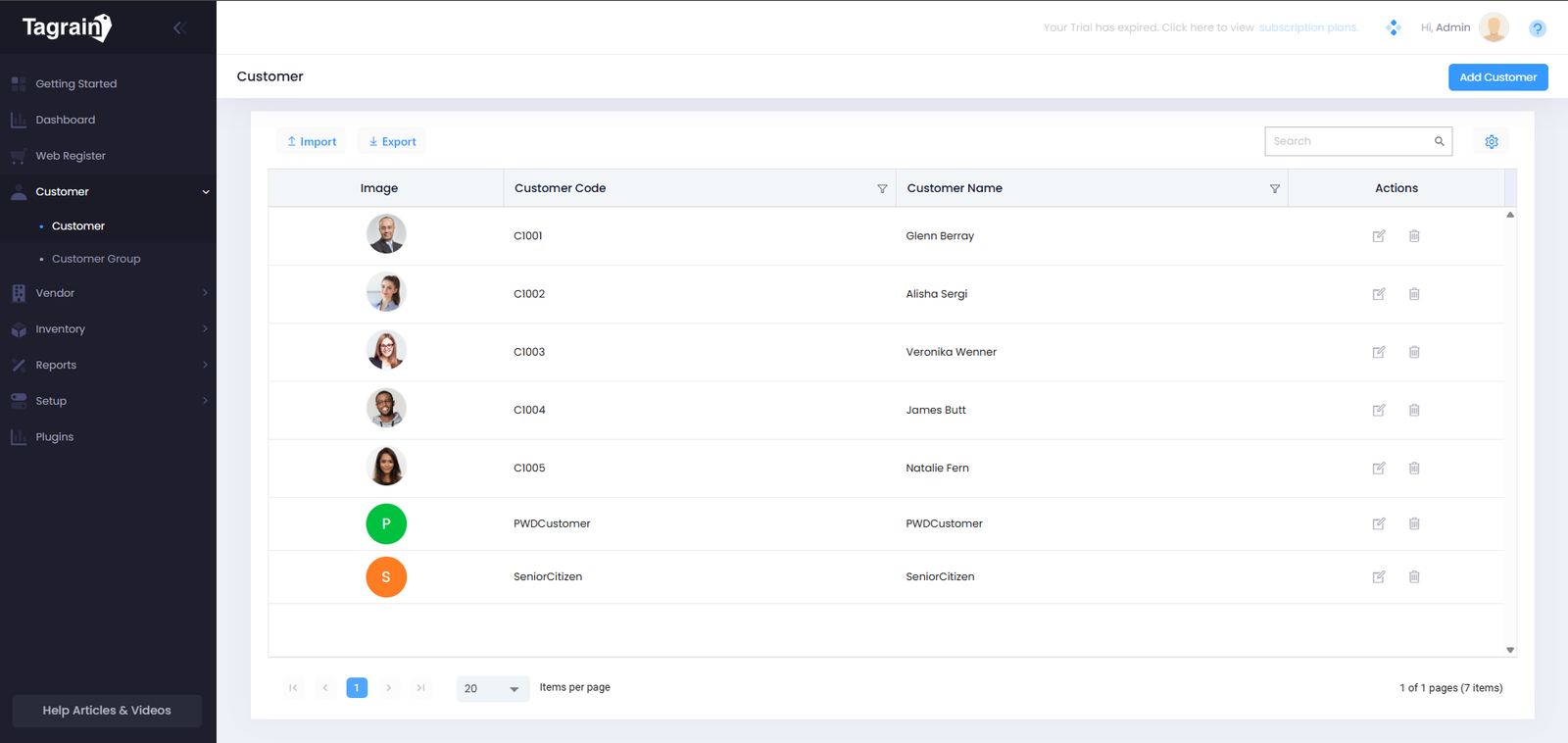
Customer List
View customers registered in the system.
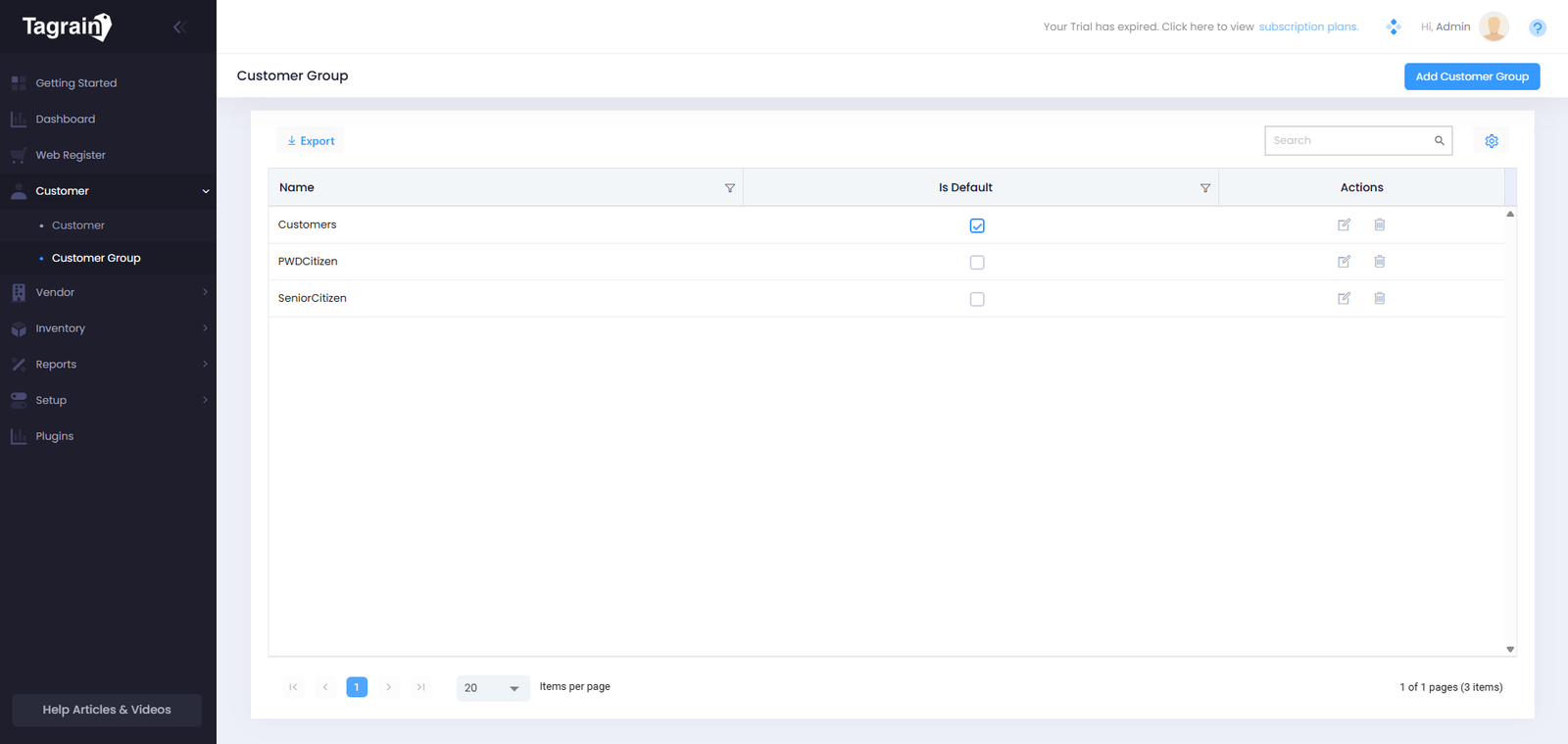
Customer Group
Organize customers into groups for easier management and targeted pricing or discounts.
Add Customer
Add and save customer details in Tagrain POS for easy access and management.
- From the Customer List, click Add Customer.
- Enter the required customer details. You may skip optional fields.
- Review the customer information for accuracy.
- Click Save to add the customer to Tagrain POS.
Add Customer Group
Add and save customer details in Tagrain POS for easy access and management.
- From the Customer Group, click Add Customer Group.
- Enter the Name and set the Tax Code.
- Toogle the is Difault if you want to make the registered Customer Group as Default when registering a Customer.
- Click Save to add the Customer Group to Tagrain POS.
Ready for the next module?
Once you're comfortable with Customer Management, continue to the Vendor module.