Welcome to Tagrain Training
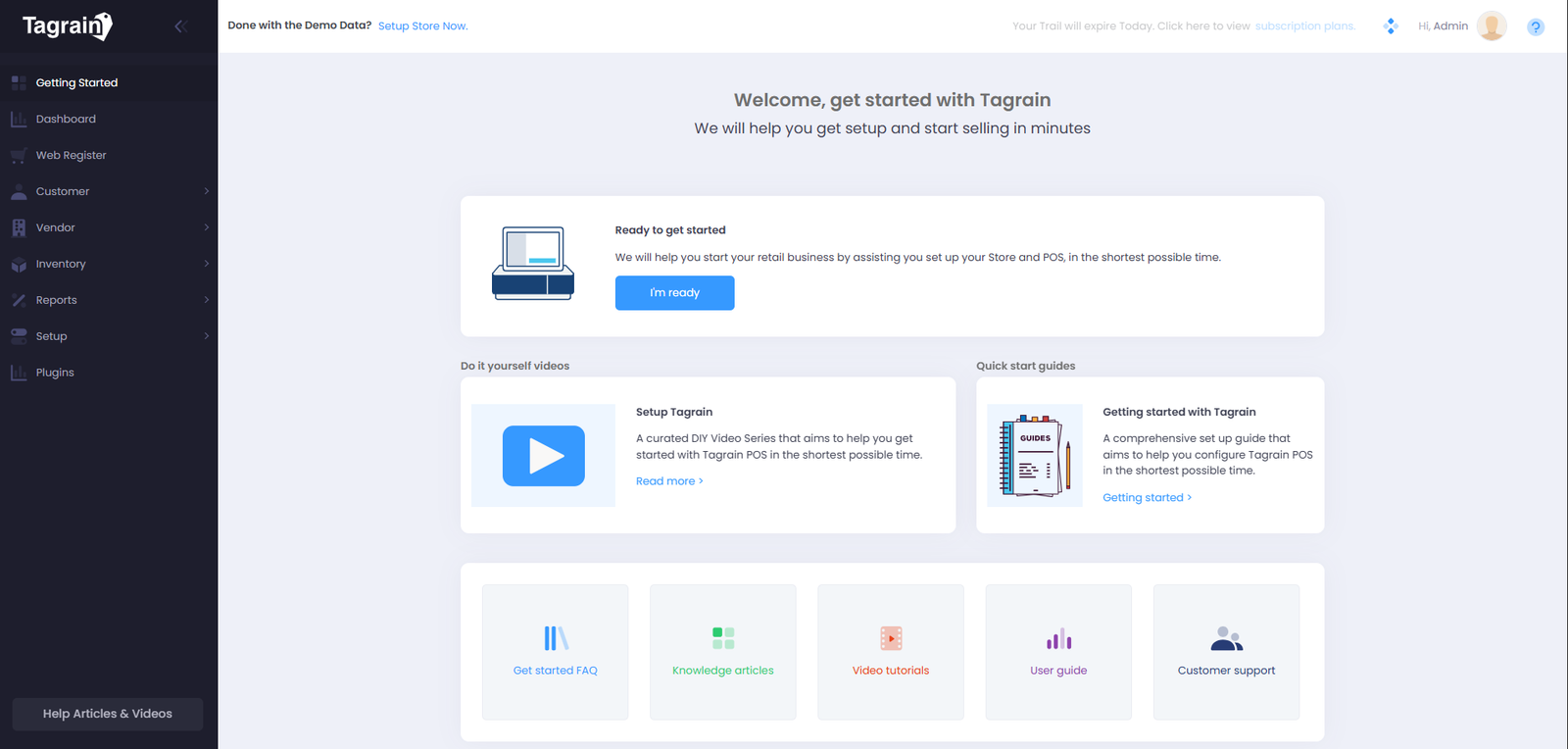
This module is your starting point for learning how Tagrain POS works. Use this page as a visual guide to explore the system and become familiar with the main areas of the application.
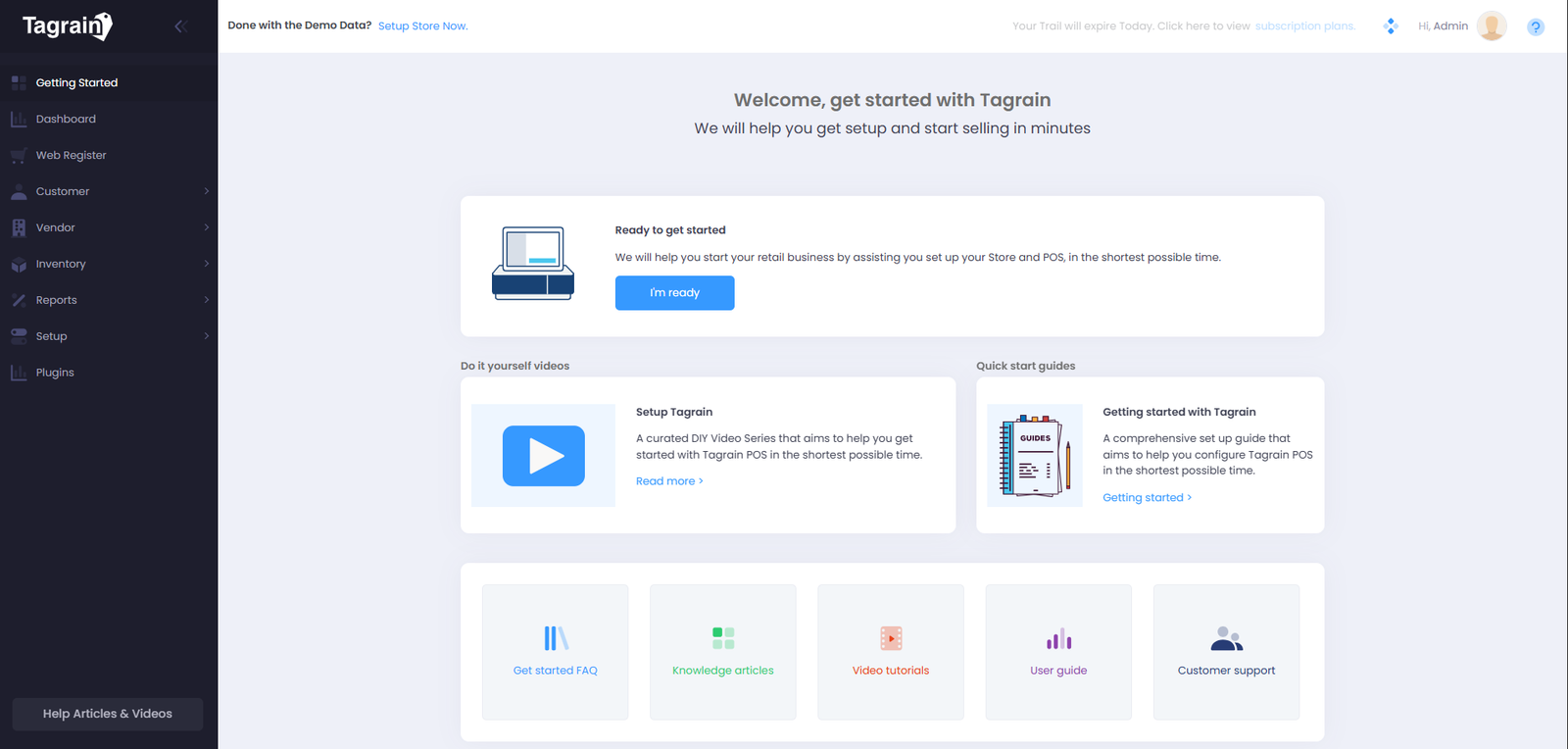
Getting Started
Begin by exploring the Getting Started page. This area provides an overview of Tagrain POS and gives you access to the main features of the application.
Dashboard
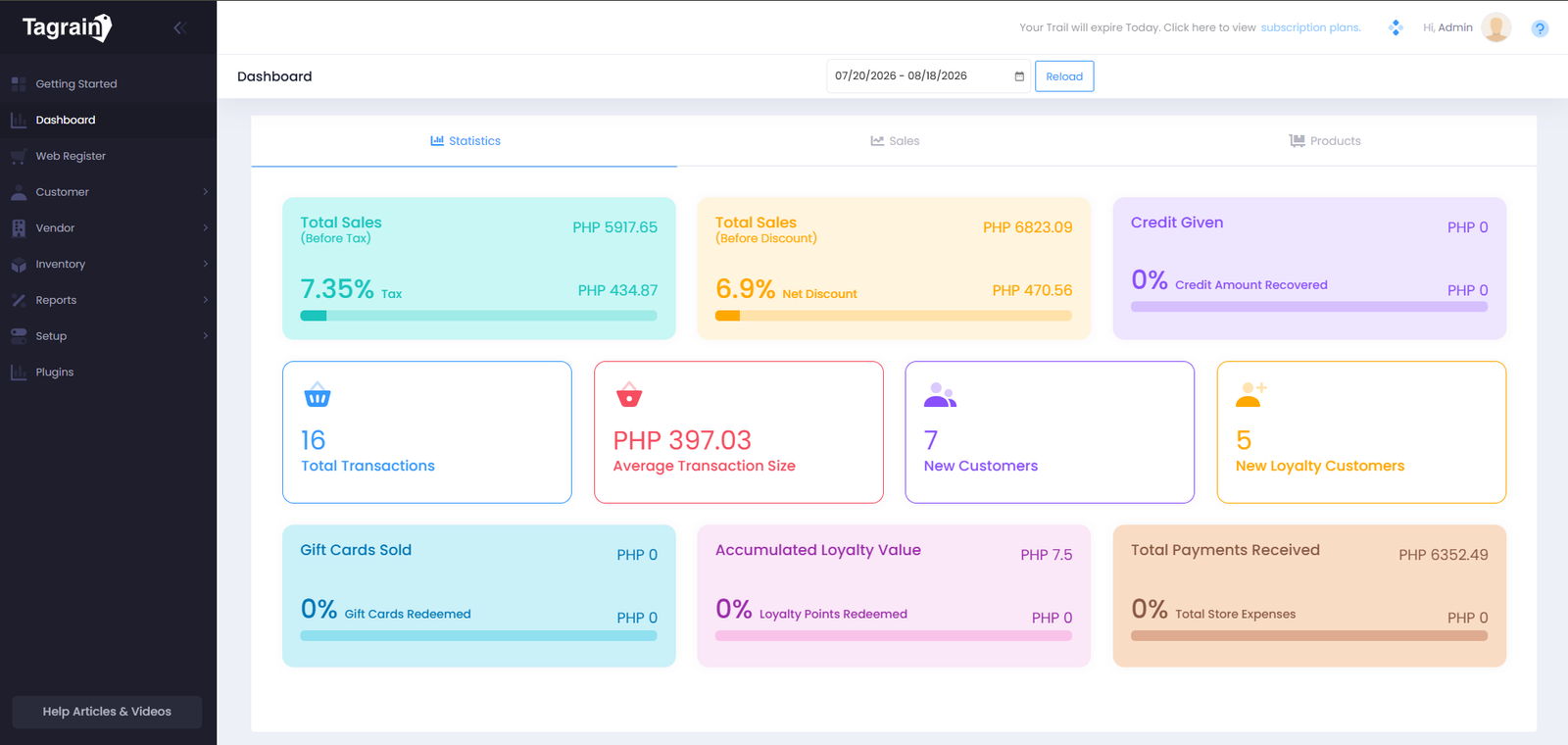
The Dashboard gives you a quick overview of important information in Tagrain. Select a topic below to explore each area.
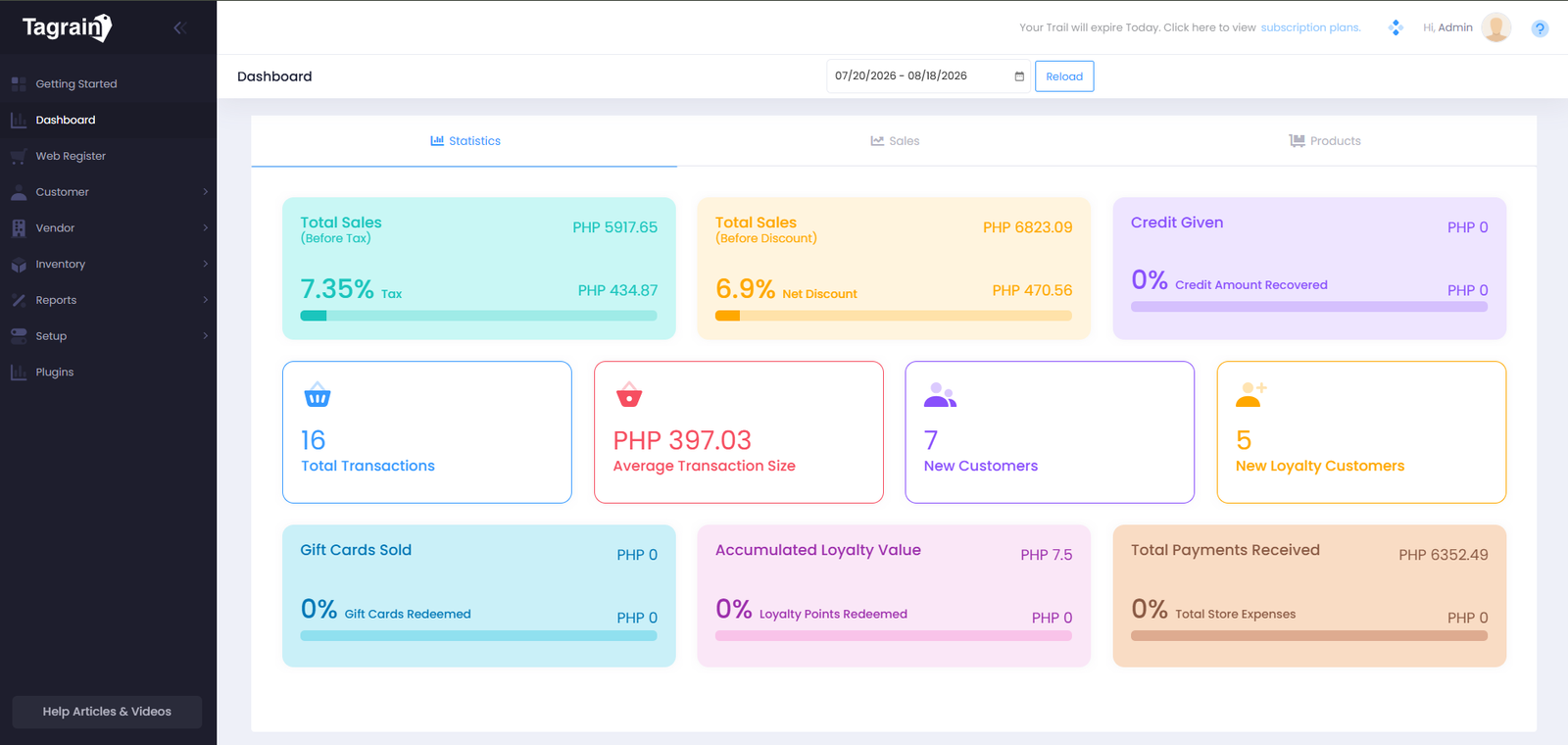
Statistics
Review important figures and statistics displayed on the Tagrain Dashboard.
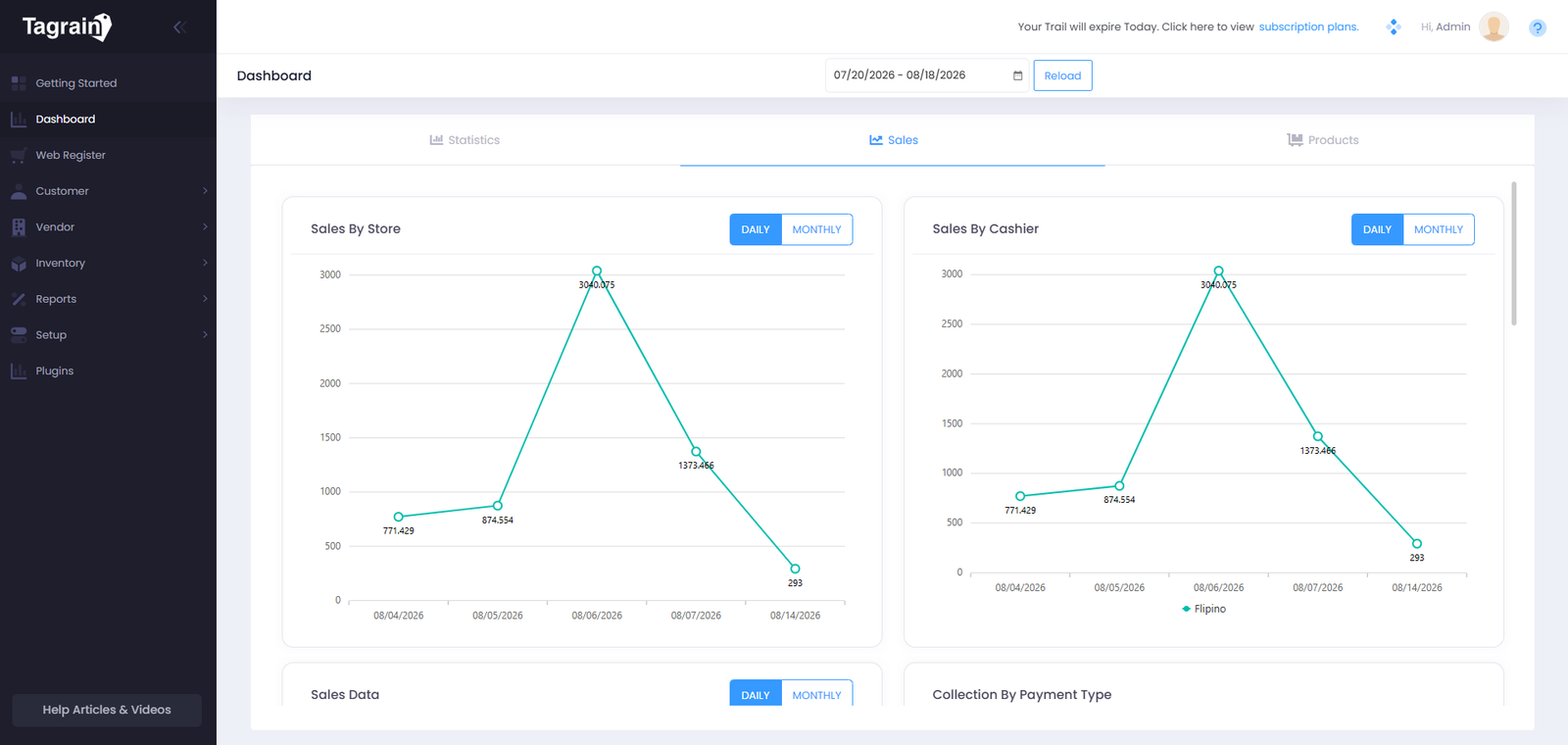
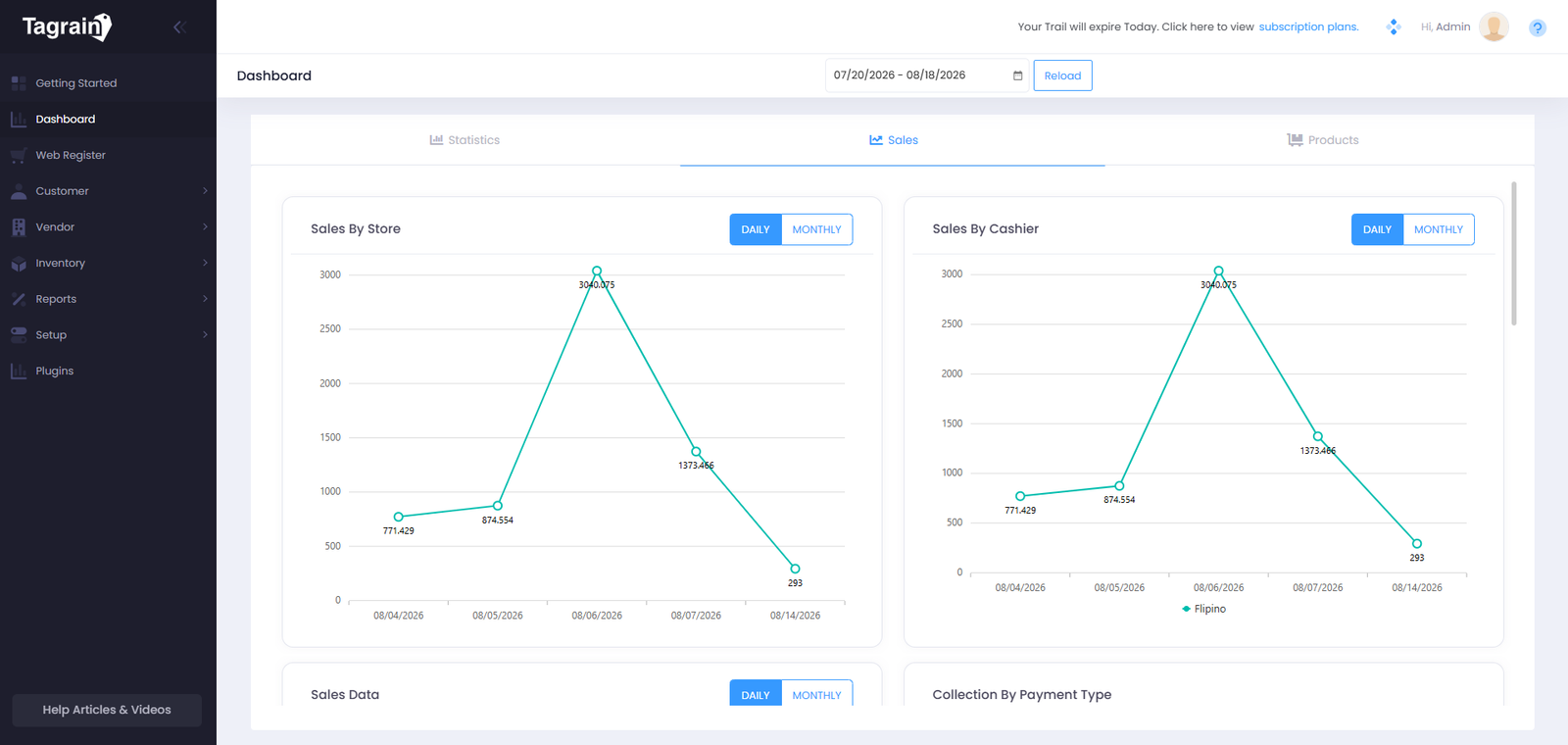
Sales
Review sales-related information displayed on the Dashboard.
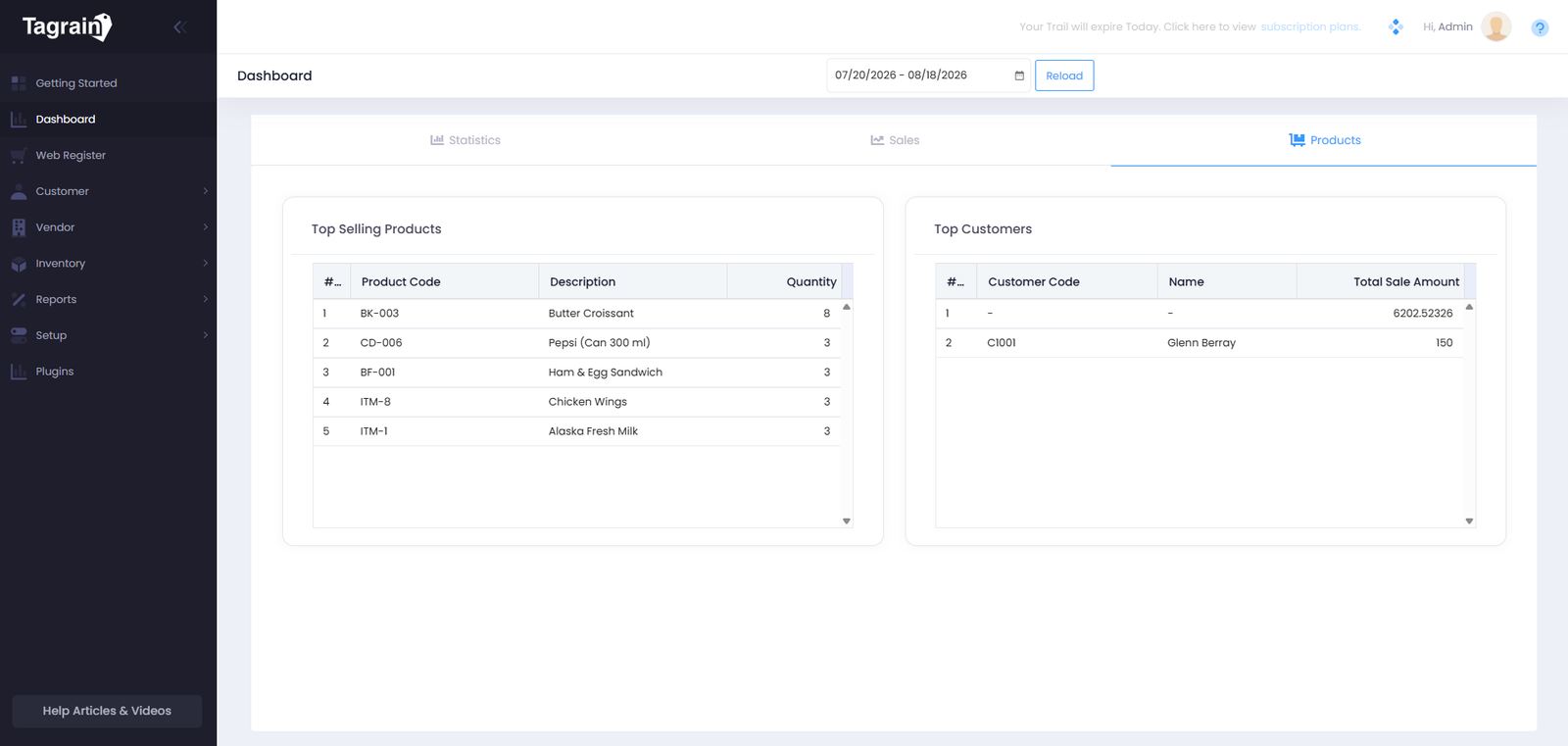
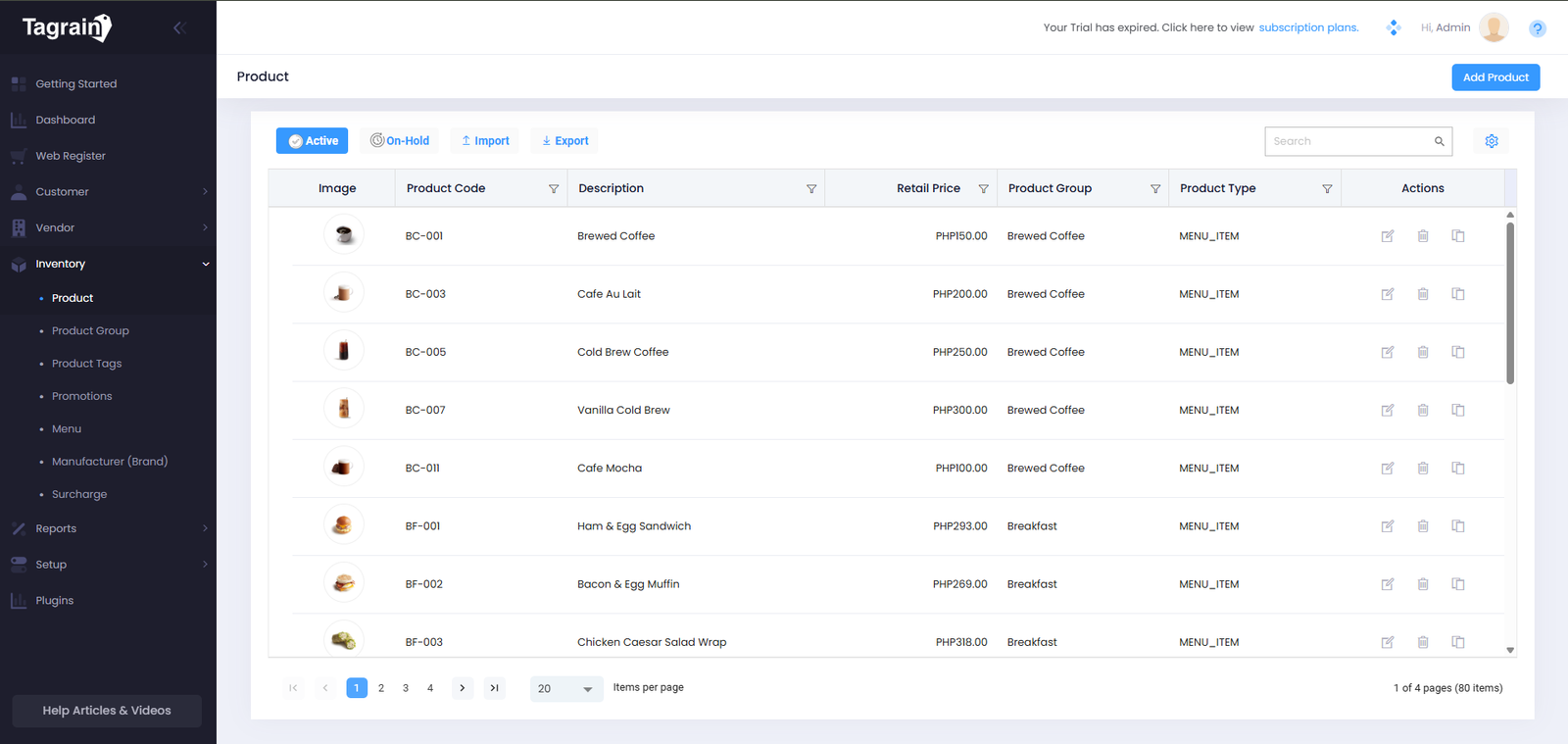
Products
Review product information available within the system.
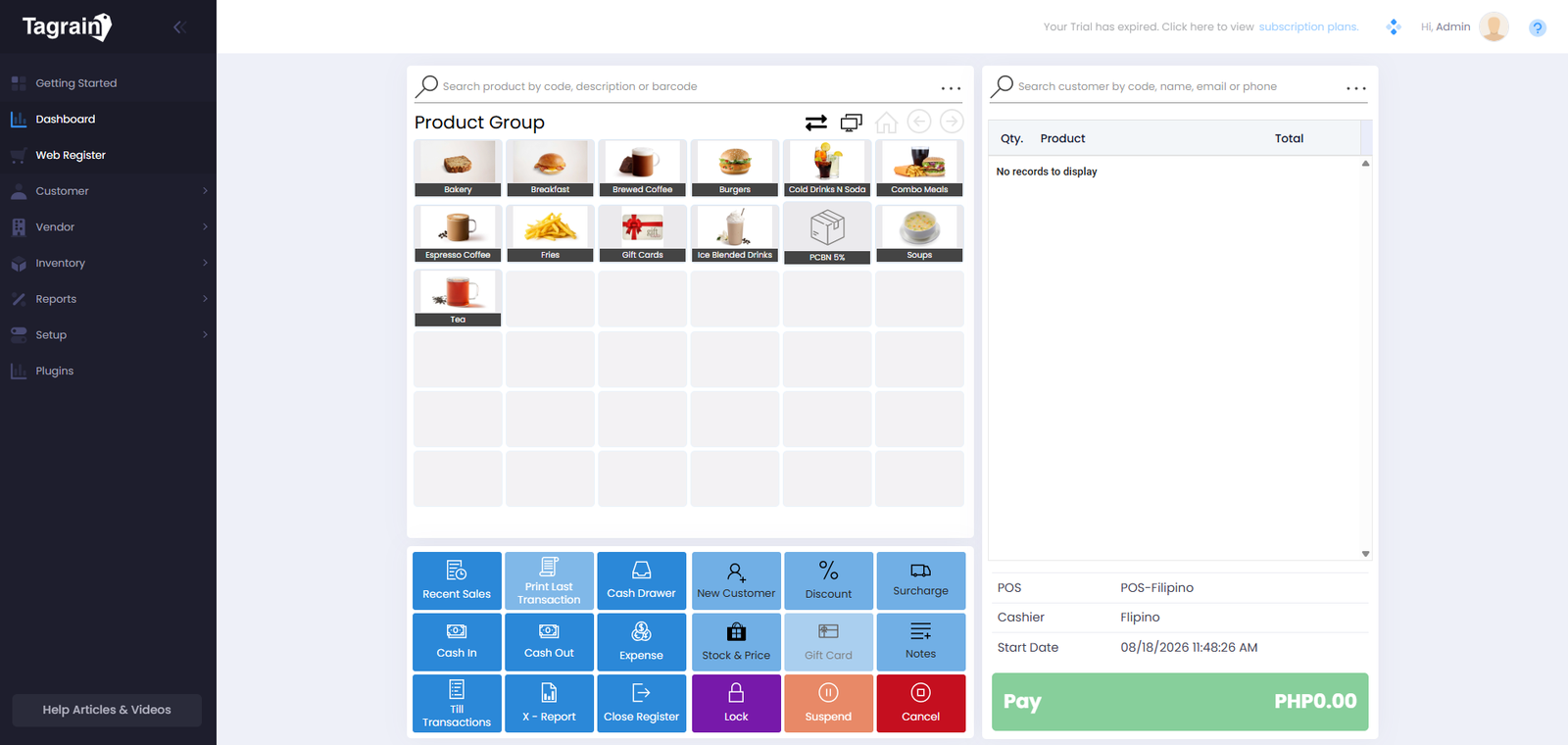
Web Register
The Web Register is where common register activities can be accessed. Use the available options to explore the main areas.
Customer
Explore customer information and learn where to access customer-related features.
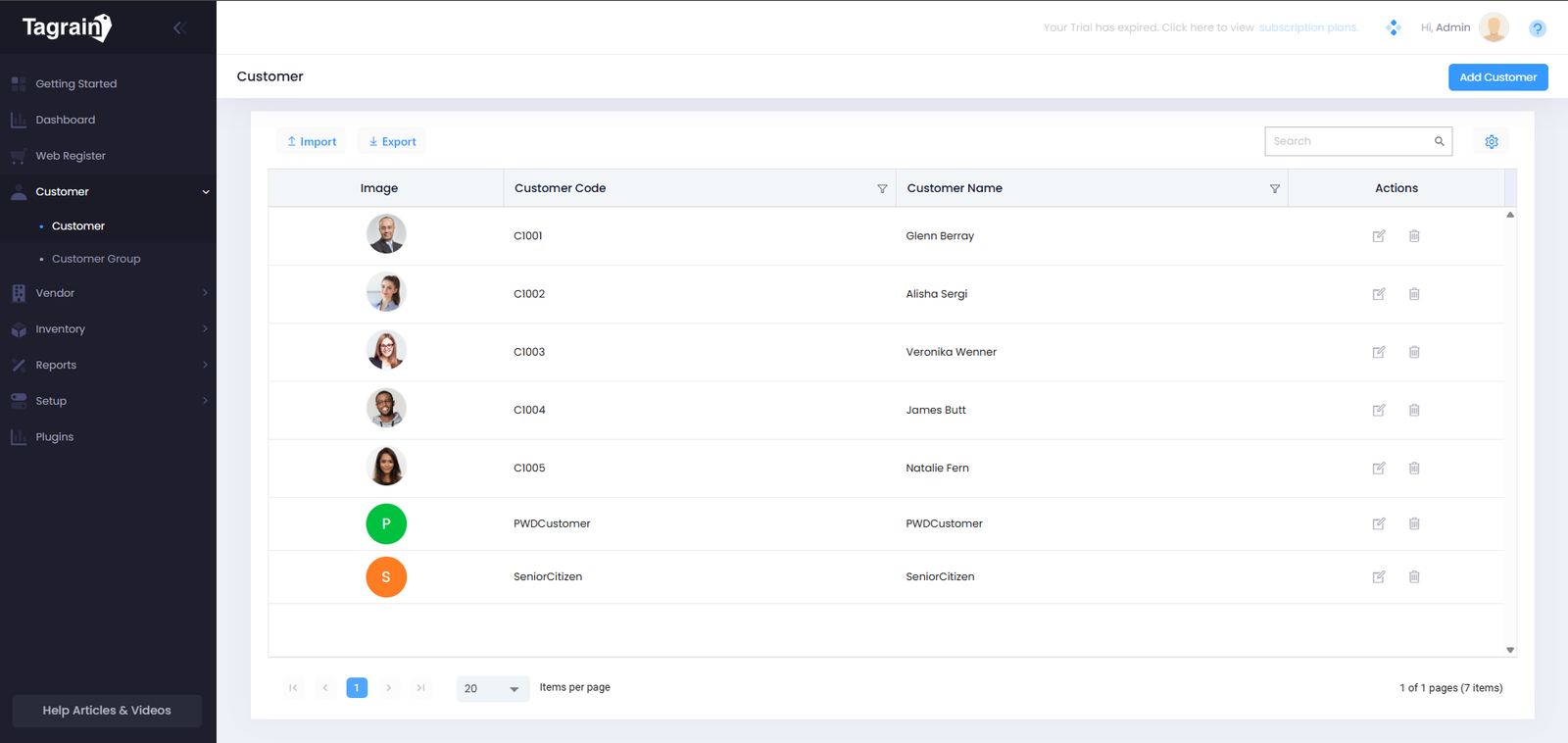
Customer List
View customers registered in the system.
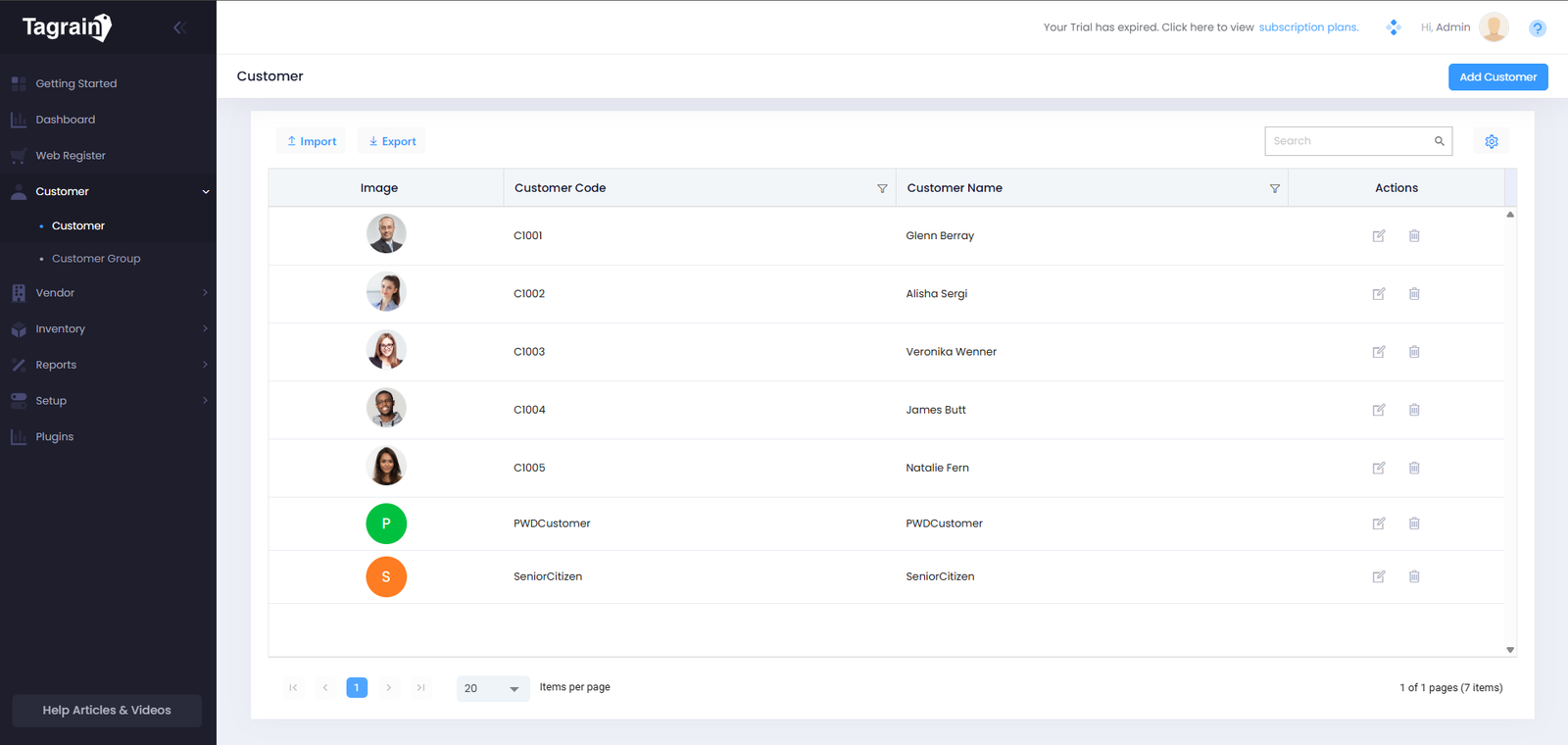
Add Customer
Use the customer form to add a new customer to the system.
Vendor
Learn where vendor information is managed and how to access the main vendor features.
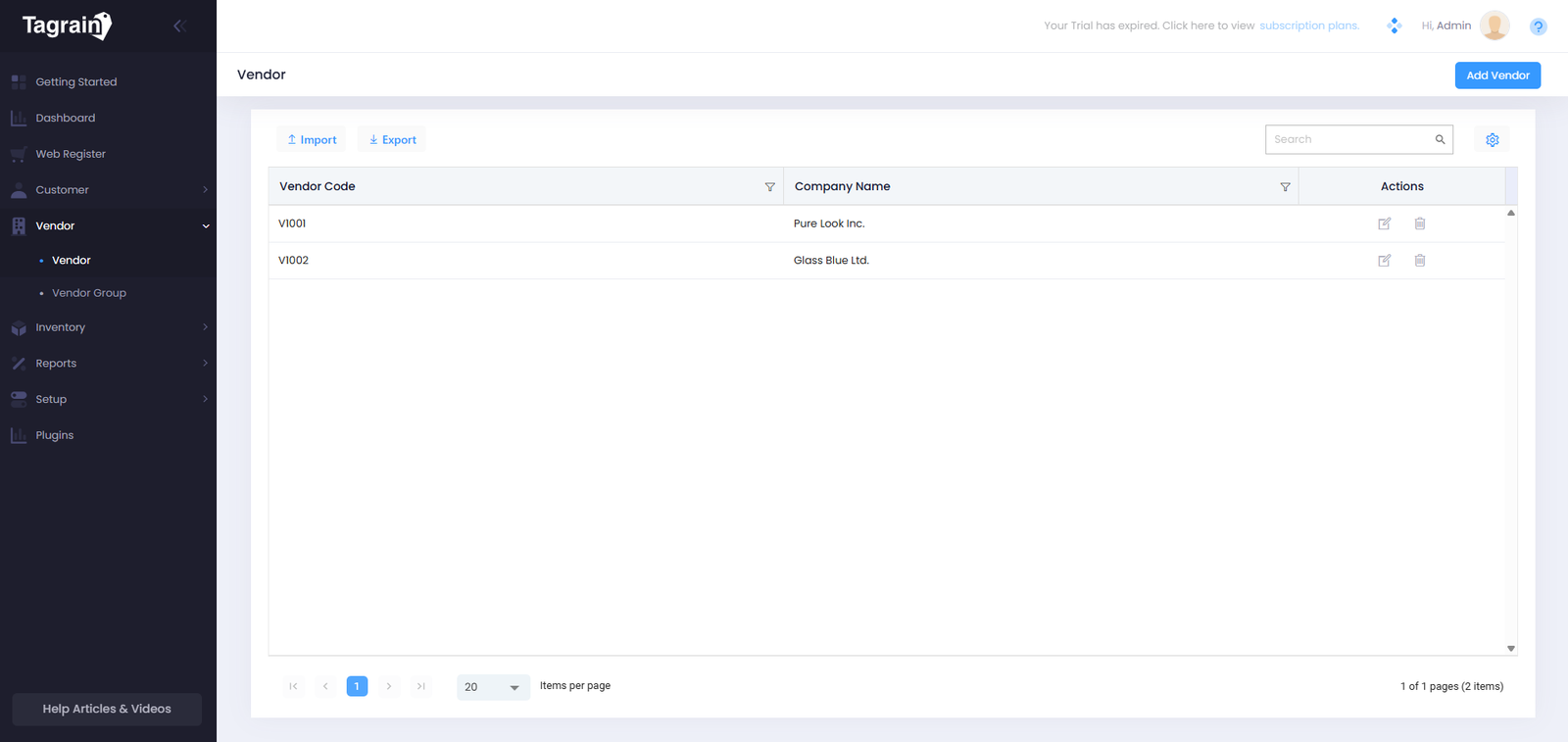
Vendor List
View vendors currently registered in the system.
Add Vendor
Create a new vendor using the vendor information form.
Inventory
Explore the inventory tools used to monitor, manage, and maintain stock information.
Stock Overview
Review current stock levels and inventory information.
Reorder
Review reorder information and stock requirements.
Incoming
Review incoming deliveries and receipts.
Adjustments
Review inventory adjustments and counts.
Transfers
Review stock transfers between locations.
Valuation
Review inventory valuation information.
Settings
Review inventory configuration settings.
Reports
Reports provide useful information that can help you review activity and understand system data.
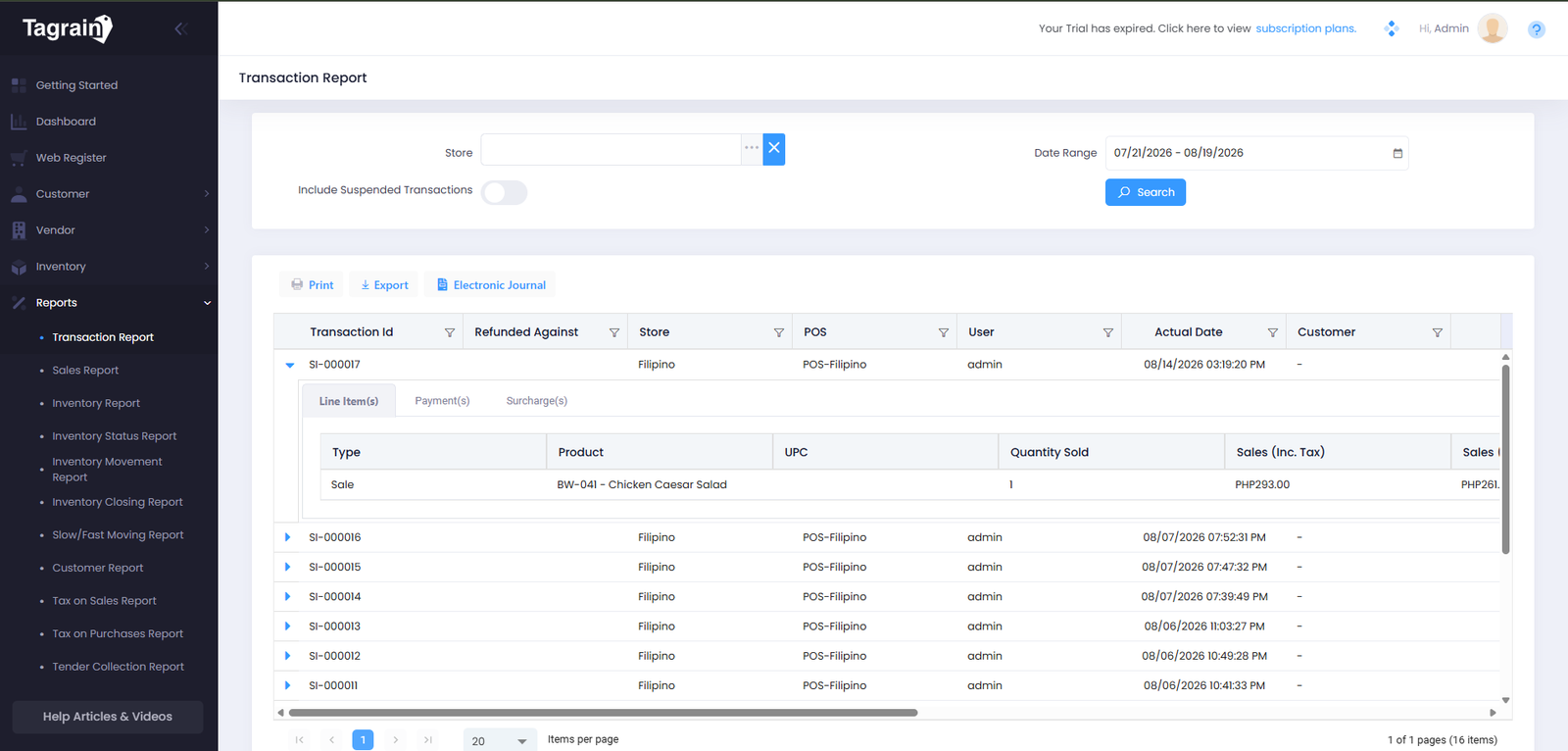
Sales Reports
Review sales-related information.
Inventory Reports
Review inventory-related information.
Product Reports
Review product information and activity.
Setup
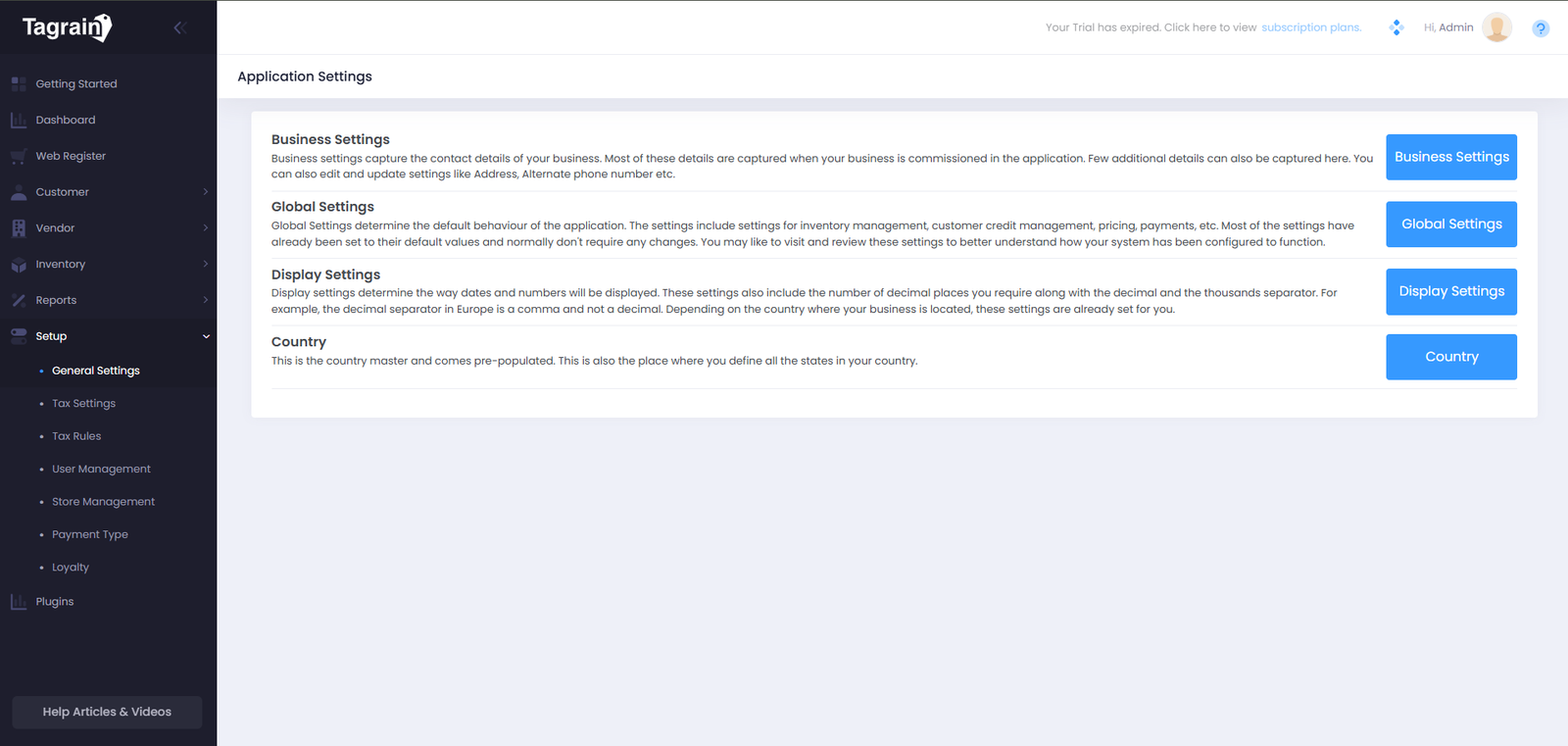
The Setup area contains configuration options used to prepare and customize the system.
Plugins
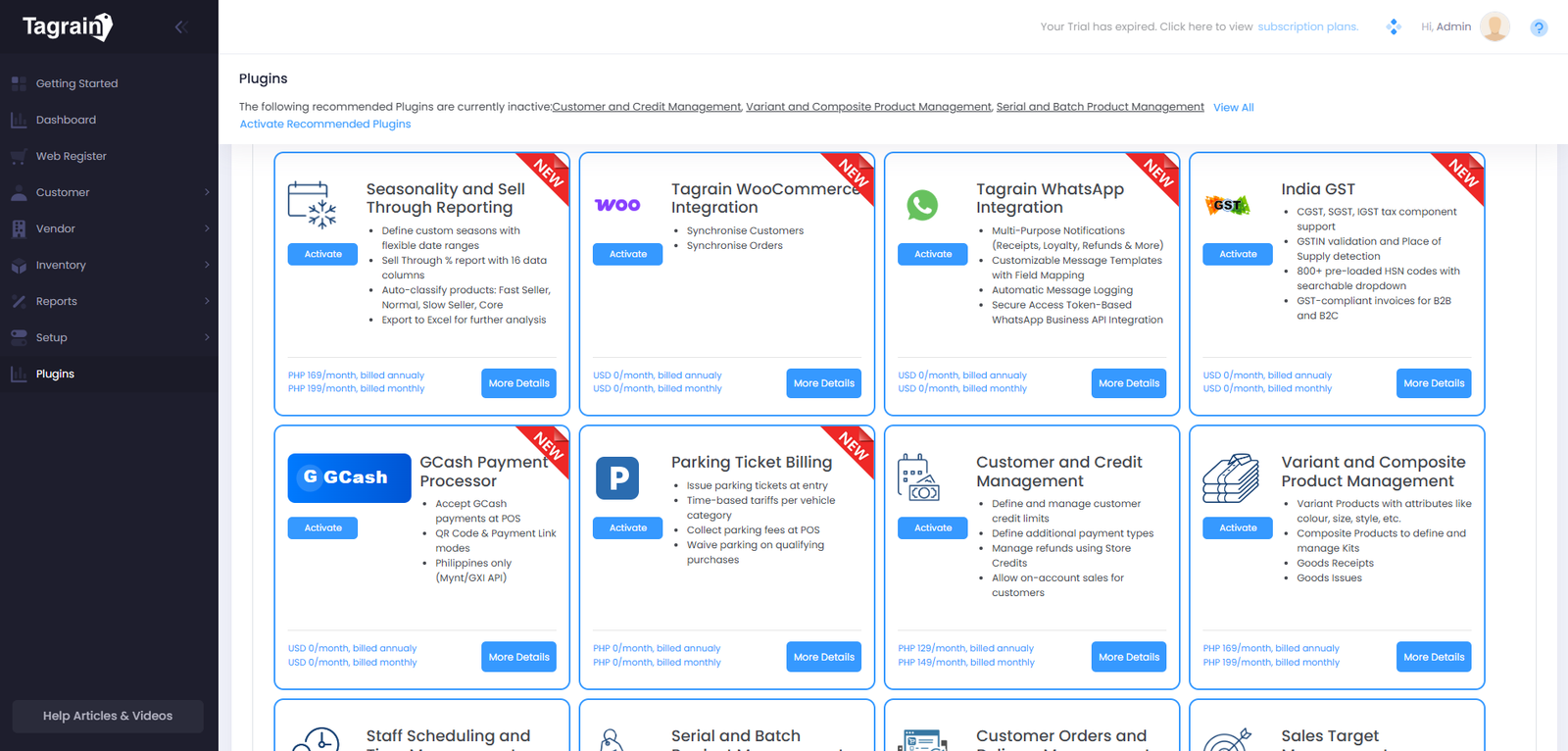
Plugins allow additional functionality to be accessed or configured within the system.
Ready for the next module?
Once you're comfortable with the basic Tagrain interface, continue to the Customer module.